Showing posts with label synax. Show all posts

Wednesday, July 23, 2014

Back to School Roll, Say & Color VERBS! (freebie!)

My roll, say and color articulation activities are such a hit I decided to create a fun one that can be used to target verbs in a variety of ways!!
Grab 2 dice, print the page of the target sound working on, and some crayons and you are ready!  No laminating involved!

Students roll the two dice.  One dice will tell them which row to look at.  The second dice will tell them to count across to determine the verb! 

You can have students use these verbs to work on the following goals:
–Expressing present, past, or future tenses
–Determining if it is a regular or irregular verb
–Using verbs in a complete sentence
–Using verbs to ask a question
–Use the verb to tell a story

–Or more!

To grab this freebie, hop on over and "like" my Facebook page!!  Then visit the "free downloads" tab!!  It is as simple as that!!  Already a fan, well then just grab it!  If you like it, leave a comment, it may inspire me to create more similar to this in the future :)

Monday, May 12, 2014

Foldable Sentences! (DIY Idea!)

Are you looking for a fun way to work on sentence structure!?  I love using foldables in my speech room.  All you need is a piece of paper, pen/pencil/crayons/markers, and scissors!  That is it!  Who doesn't have those materials readily available?!  Students can also work on following directions while creating these activities!


I decided to create a foldable to work on sentence structure!  You can easily work on any sentence structure goal with this!  I have many students working on combining sentences and using conjunctions so, above you will see what we did!  That is the foldable open (only because it was hard to take a picture folded, it wouldn't stay flat!).  As you can see, we folded the paper in half (I did it the long way to make more/longer pieces).  Then we cut the paper twice to make 3 pieces.  As you can hopefully see, the middle piece is the smallest.  I like to have my students use the top side as an illustration.  Then when you lift each flap, students can write the parts of the sentence that correlate to the illustration underneath.
Now, you are probably wondering, ok great how did she teach them how to do this on their own?!  Good question!!  We have done a lot of practicing first on using each specific conjunction at a time and identifying when to use each one.  We made this one foldable after drilling TONS of "and" sentences.  I taught them that when you are adding or combining (hence the + sign on the front of the foldable), then you use the word "and."  I took pictures or short passages (depending on the students levels) and had students describe them to answer questions.  "What was the family doing?"  "What does the boy have?"  Then the students used their foldables to answer my questions using their compound sentences!  My students had so much fun illustrating their foldables!

Do you use foldables in your therapy room?  How do you use them?  How do you work on sentence structure, combining sentences, or teaching conjunctions?!

Wednesday, October 30, 2013

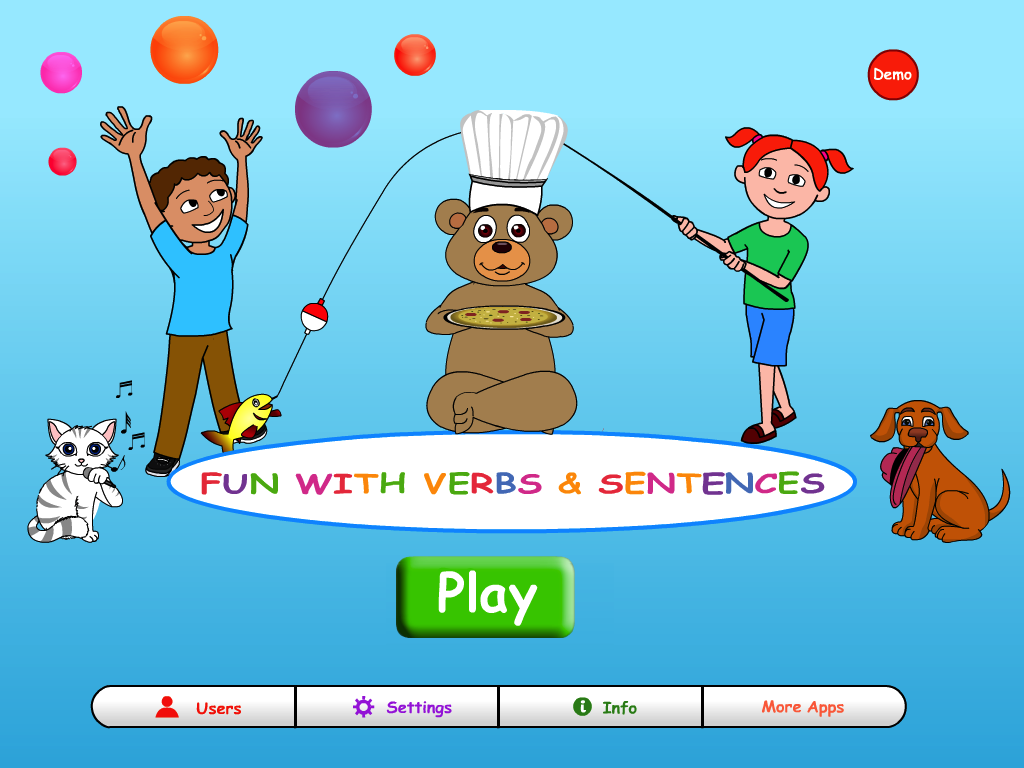
Fun With Verbs & Sentences (App Review!)

I was recently contacted by Hamaguchi Apps for Speech, Language & Auditory Development.  They created a brand new app that works on verbs & sentences.   They were generous to provide me with a copy to try out and review for all of you.  Remember, the thoughts and opinions are all mine!

You can input students names/groups or use the app as "guest."

Here is a view of the settings you can adjust to meet your needs:

Once you are ready, click "play."  Students are provided with verbal instructions to help make a sentence.

First they pick "who" should be in the sentence.  Three choices are provided.  Students should tap the one they want.

Then, they can select what they would want that character to do.  They are provided with three verb pictures.  They can tap the one they want and it will be moved to the sentence dots on the bottom.  

Last, they can pick an object that goes with the action they selected.  As you can see below, I selected "to knock" so I got to select what object I would like the bear to knock.  Again, students should just tap the one they want and it will be brought to the bottom.  

Students are rewarded with hearing their selected sentences while being presented with their visual dots on the bottom.

They get to watch a video based on their sentences they selected.  How rewarding and motivating?!  They created this sentence!!!

After viewing the video, students can touch the three dots as they repeat the sentence they created to describe the video watched.  This is a great way to review sentence structure, build memory, and comprehension of the video watched.  You can record and play back the student verbally producing the sentence.  They can even click "check" to hear the sentence from the app to check their work.  Along the side, are buttons to mark if correct: subject, verb, object.  For each one expressed, you can score it by clicking or have students check themselves.  If incorrect, just don't click it!  

Once ready, hit the green arrow to build another sentence.

At any time, you can click "end session" to finish.  I love it that you do not have to wait until all of the stimuli run out.   User data will be stored in the app.  Please note: guest data will NOT be stored!  So keep that in mind if you chose to work under "guest" as a quick start option.

Others goals to address indirectly:

  • pronouns
  • compare/contrast
  • asking and answering questions
  • verb tenses
  • categorization
  • association
  • following directions
  • and more!


Want to learn more about this great $9.99 app for building sentence structure, learning about verbs and subject/action/object?!  Click HERE to visit iTunes!